They are three kinds of lab job. Wire: the gear is mounted, you wire it. Install: you mount the gear yourself, then wire it. Debug: the circuit is already wired but has a fault, and you find and fix it. Your assignment row shows which one it is (for example WIRE LAB).
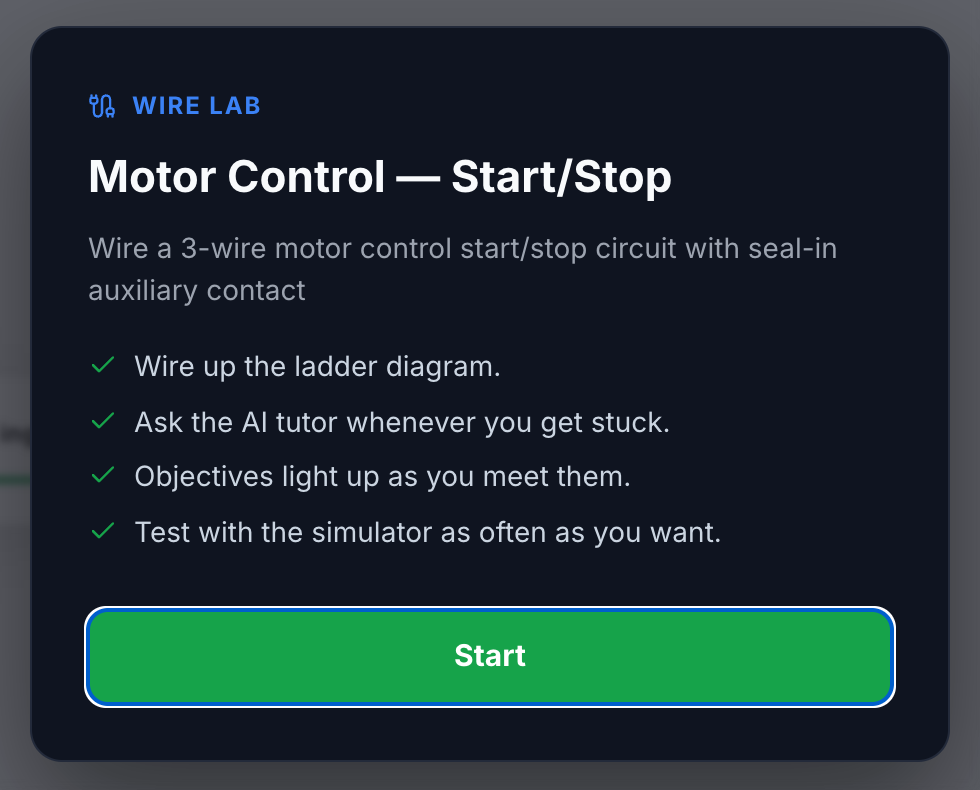
Wire
“The gear is already mounted. Wire it from scratch.”
- Wire up the ladder diagram.
- Test with the simulator as often as you want.
- Objectives light up as you meet them.
- The ladder diagram lights up green as your wiring becomes correct.
- The AI tutor may be available, if your instructor turned it on.
Install
“Mount the gear from the parts kit yourself, then wire it.”
- Your power source and disconnect are already installed and fed.
- The Instructions tab lists the Parts needed. Install the rest of the gear from the Parts menu, then wire the circuit.
- Use exactly the parts on the list. A missing part, or a part that isn’t on the list, shows up in your results and lowers your score.
- No AI tutor, and the ladder diagram does not light up.
Debug
“The circuit is wired but faulted. Find the problem and fix it.”
- Test with the simulator to find the fault.
- You can remove only a limited number of wires. The Mode tab tells you how many (for example “You can remove up to 5 wires”).
- No AI tutor, and the ladder diagram does not light up.
Exams
Any of the three can be set as an exam (a Scheduled exam or Timed exam). You’ll see Test Mode is on: no AI tutor, objectives don’t light up, and the app’s study labels are hidden. Markings printed on the gear stay, so read the part and use your meter. You get one submission.
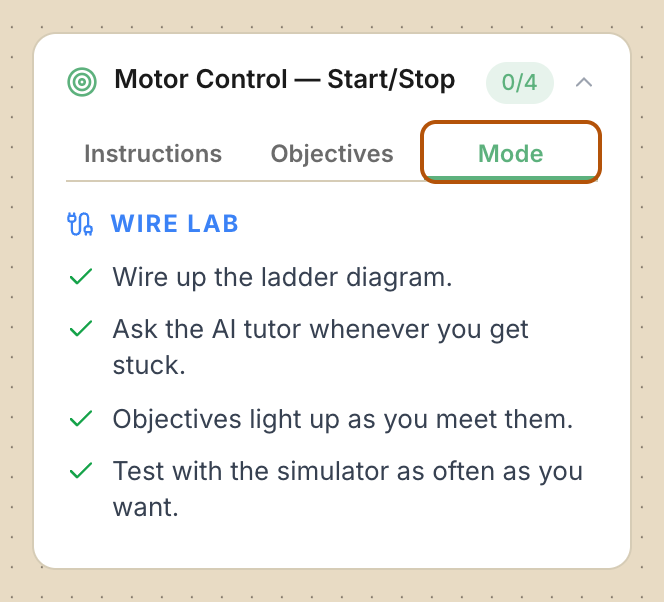
Check: Open the Mode tab at any time to see the rules for your lab again.
Common problems
- I can’t find a part in Install. Press Parts and type its name in Search parts.
- I can’t delete any more wires in Debug. You’ve used up your removals. Undo one, or put back a wire you took out.
- Where is the AI tutor? It only appears in Wire labs, and only when your instructor allows it.