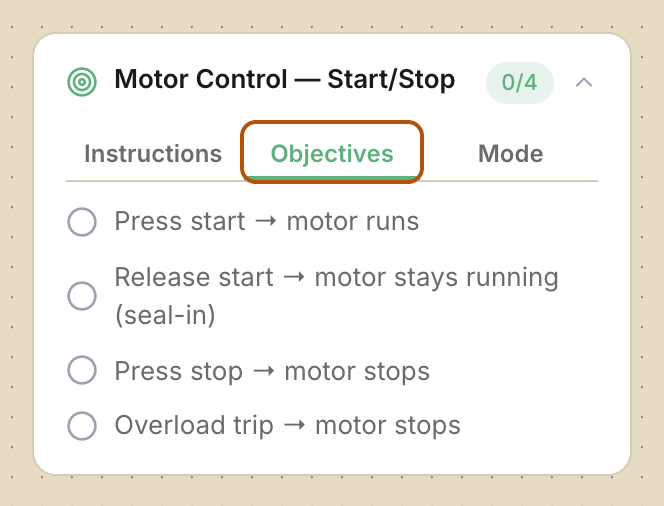
Your score is how many of the lab’s objectives your circuit meets. A fault, like a short circuit, lowers it. You’ll see the score on the results screen and on the assignment’s row in your class.
When it gets graded
- Coursework: there’s no Submit button. Your lab is graded when you meet every objective. If there’s a due date, whatever is on your board then is graded. Your instructor can also grade it at any time.
- Scheduled exam: press Submit Test before the closing time. When it closes, everyone is graded.
- Timed exam: the timer starts when you press Start attempt and keeps running even if you leave. Press Submit Test before it runs out. If time runs out first, your saved board is graded.
- For both kinds of exam, the Submit Test button is at the bottom of the lab’s info panel. Press Exit Simulation first if it’s hidden. You get one submission, and you can’t edit after you submit. If you never start, the assignment is graded as zero.
Where to see your score
-
Lab Complete! (or Test Complete!) shows your Score, each objective, and any Faults, Parts (Install labs) or Code requirements findings.
-
Press Review Lab to go back to your board, or Back to Dashboard.
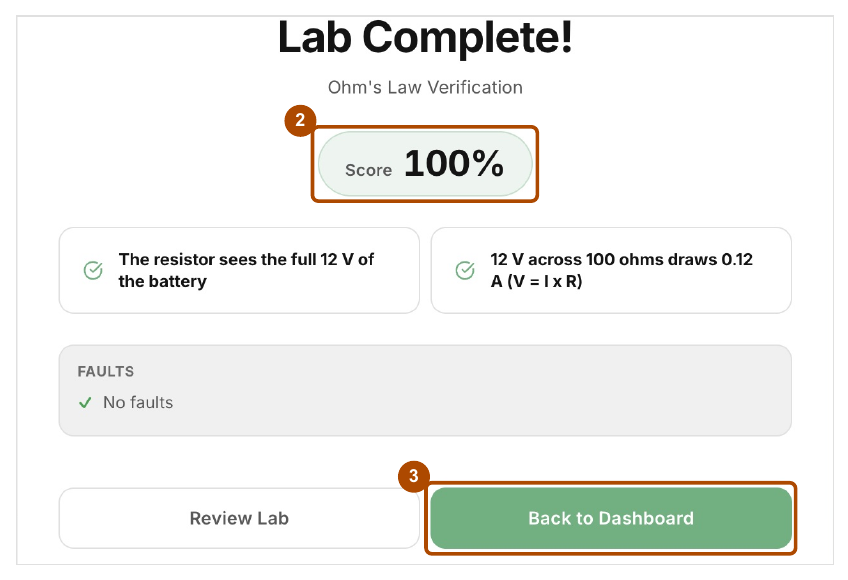
Lab Complete! shows your Score (2), each objective and any faults. Choose Review Lab to look at your board again, or Back to Dashboard (3). -
On your class page, a graded row shows your score (for example 85%) with Scored under it.
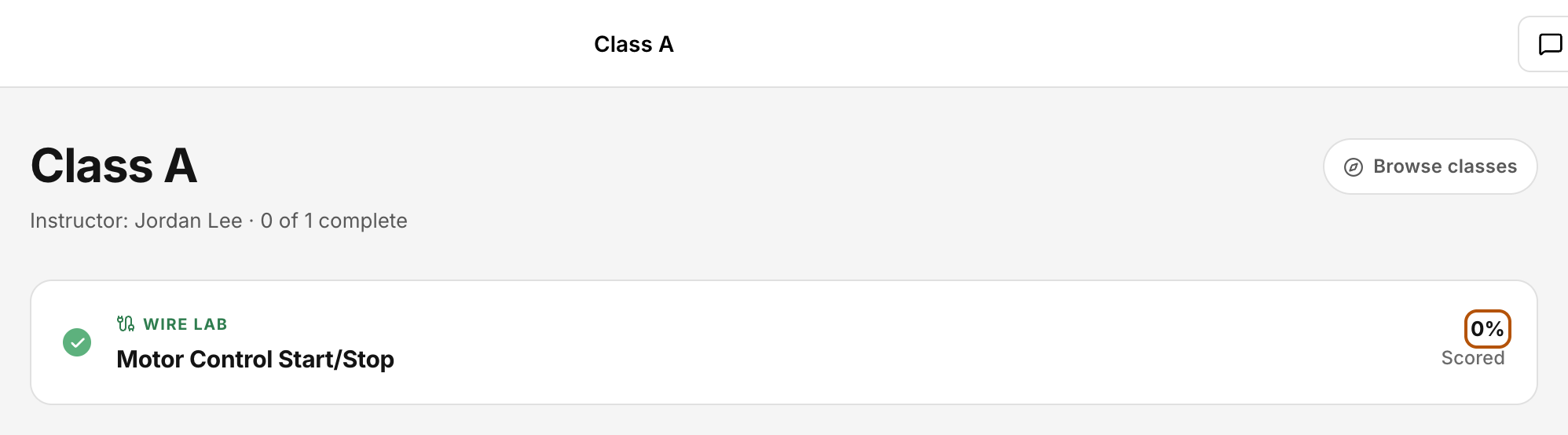
On your class page, a graded row shows your score. -
Once your lab is graded, Show answer key appears in the lab’s info panel so you can compare your wiring. This isn’t available in Install labs.
Check: Your class dashboard row shows your percentage and Scored.
Common problems
- My score went down even though everything worked. Look in Faults. A fault during the simulation, like a short circuit, takes 30 points off your score. It’s 30 points whether there was one fault or several. You pass with 70% or more, unless your instructor set a different passing score.
- Install lab: “not in the parts list” or “not installed.” You used a different part from the one the job calls for, or left one out. Check Parts needed.
- No score shown yet. Grading takes a moment. Reopen the class page.