You only see assignments your instructor has released, in classes you are enrolled in, on the account with the email your instructor added. Work through the checks below in order.
Steps
-
Check you’re in the right class. Press Dashboard in the sidebar. The class name is at the top right of the page. Press it to switch to another class.
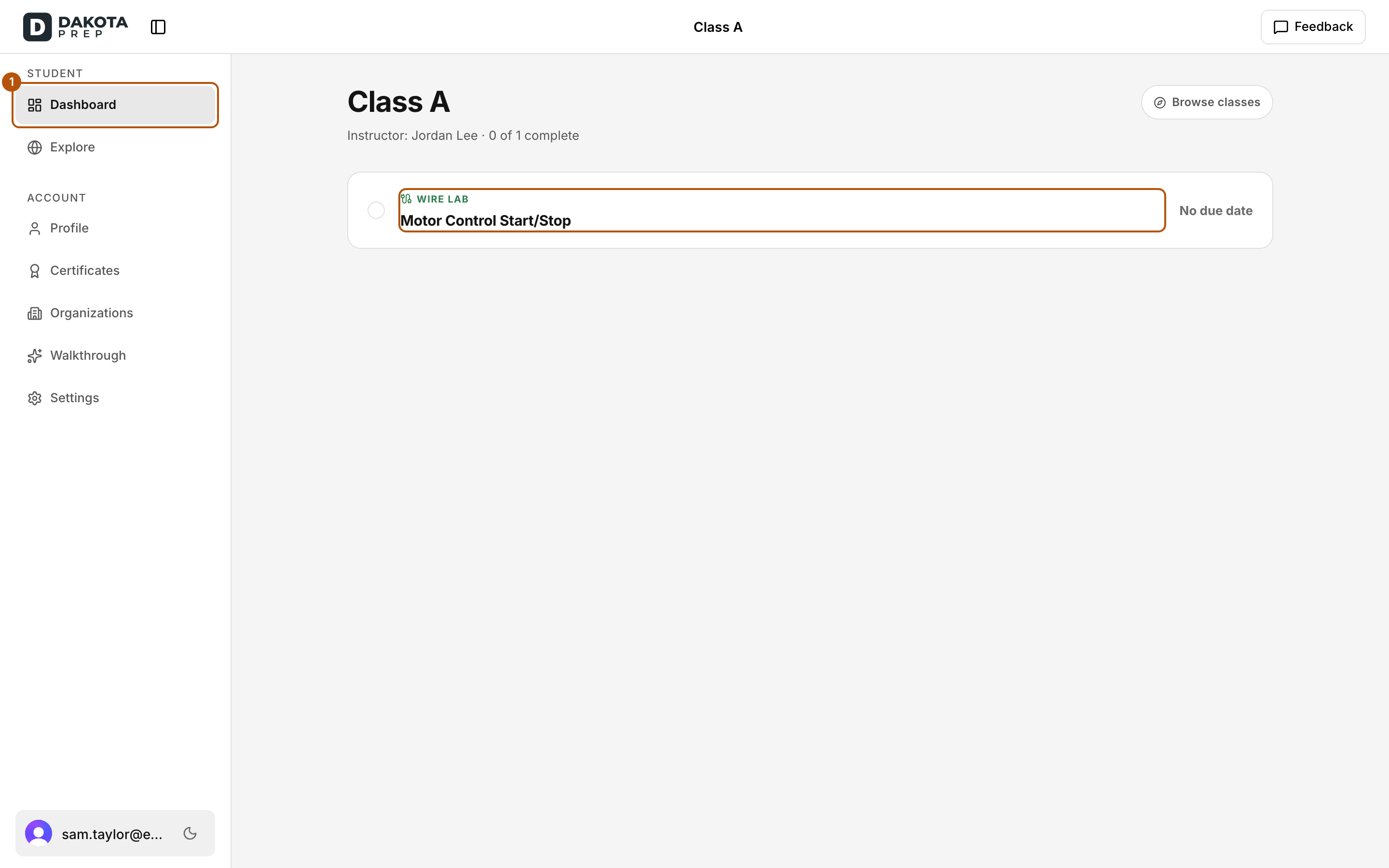
Press Dashboard to see the assignments in your class. -
Check your classes. Press Explore in the sidebar. Every class you’re enrolled in is listed under Your classes. Press one to open it.
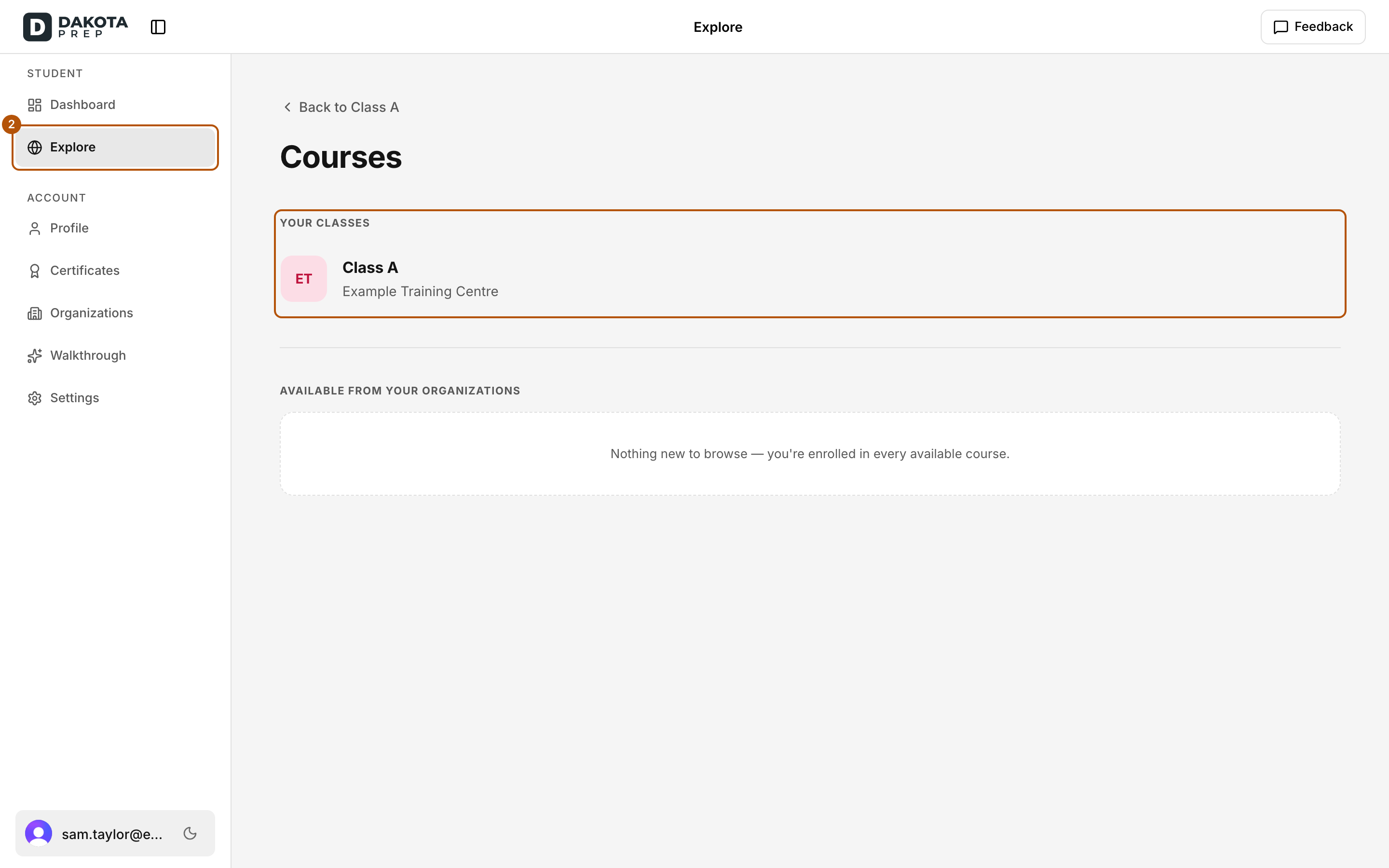
Every class you're enrolled in is listed under Your classes on Explore. -
Check your email. If Your classes says “You’re not enrolled in anything yet”, you may be signed in with a different email. Sign out and sign in with the email your instructor used.
-
Check whether it’s been released. If the class page says No assignments yet (“Your instructor will release work here as it becomes available.”), your instructor hasn’t released the work yet. Assignments they’re still preparing, or have set to open later, don’t appear until they open.
-
Read the right side of the row. If you can see the assignment but can’t open it:
- Locked / Finish previous: finish the assignment before it first.
- Expired / Access ended: your access to it has ended. Ask your instructor.
- Unavailable: your instructor has removed it.
Common problems
- My classmate can see it and I can’t. Make sure you’re both in the same class (step 1). If you are, ask your instructor to check your enrollment.
- I clicked an invite link and saw “This account isn’t enrolled.” See Dakota says I’m signed in to the wrong account. What do I do?
- “This invite link isn’t valid.” Ask your instructor for a new link.
- Still missing. Ask your instructor first, then email support@dakotaprep.com.